
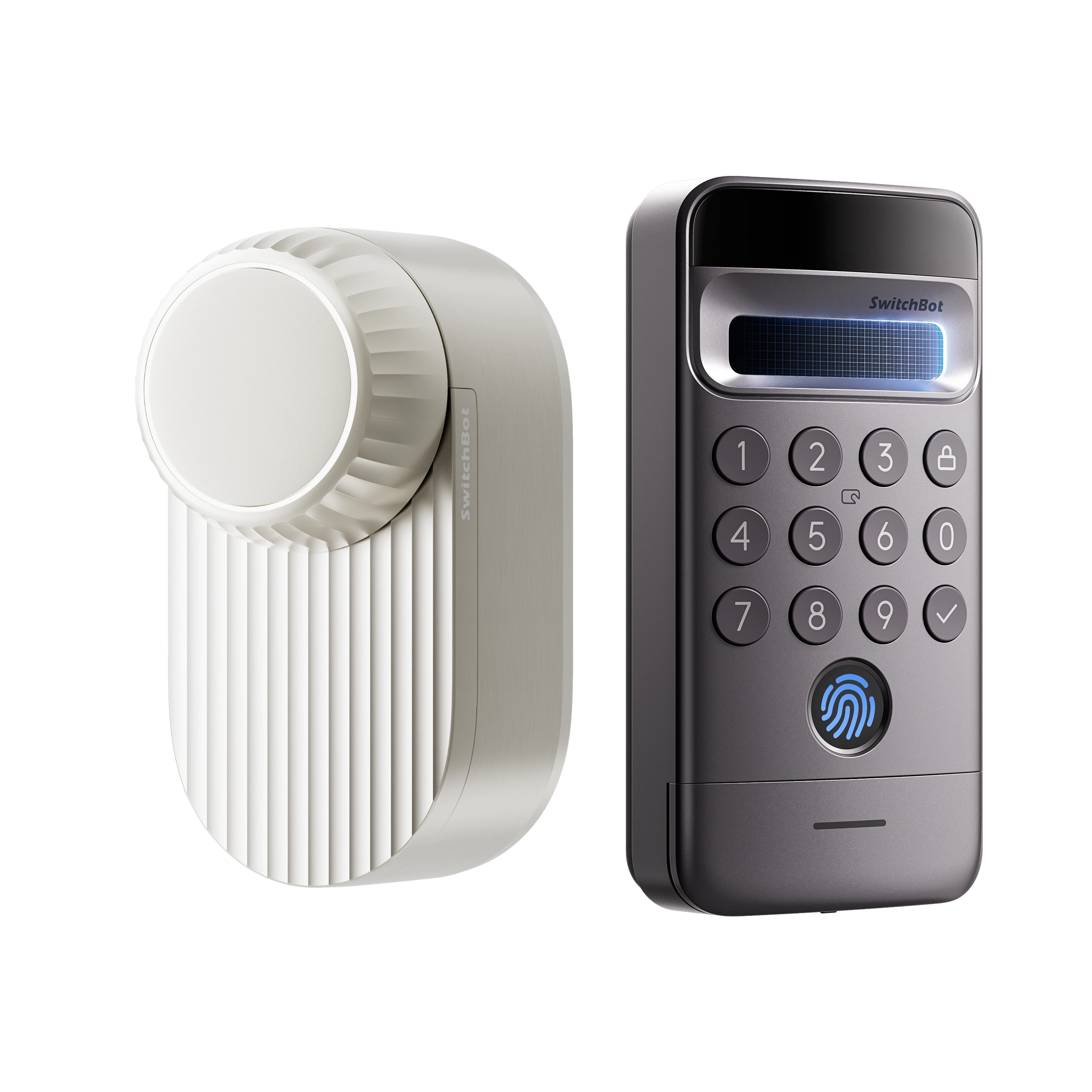
How to Choose Smart Home Devices That Work Together
Choosing smart home devices is easier when you begin with the tasks you want to automate and check compatibility before buying. Learn how hubs, connectivity standards, device requirements, and budgets affect a practical smart home setup.
How to Choose Smart Home Devices That Work Together
Smart home devices can automate everyday tasks, monitor your home, and help manage compatible appliances through apps or supported voice assistants. But buying devices one at a time without checking how they connect can lead to an expensive setup that does not work as expected.
A better approach is to start with a clear goal, understand the available connections, and check each product's requirements before purchasing. This guide explains the main factors to consider when choosing smart home devices that can work together.
1. Start With the Task You Want to Automate
Before comparing brands or specifications, decide what you want the device to do. A clear purpose makes it easier to identify the right product type.
Common starting points include:
Opening or closing curtains automatically.
Controlling a compatible physical switch.
Monitoring temperature or humidity.
Improving access control with a compatible smart lock.
Viewing a camera feed from a phone.
Controlling supported lights or appliances.
Automating cleaning tasks.
Choose one or two tasks first instead of buying a large collection of devices immediately. This lets you learn how the system works before expanding it.
2. Check Your Existing Equipment
Smart home products often interact with equipment that is already installed in your home. Compatibility may depend on the physical design of a curtain track, door lock, switch, appliance, or other device.
For example, a curtain opener may be offered in different configurations for different track types. A smart lock may require a particular door or lock arrangement. Read the product's compatibility guidance and measure the relevant equipment before buying.
Do not rely solely on phrases such as “easy installation” or “works with most homes.” Check the actual requirements for your setup.
3. Understand Connectivity Requirements
Smart home devices may communicate through Bluetooth, Wi-Fi, or other wireless technologies. The connection method affects setup, range, remote access, and whether an additional hub is required.
Some devices can be controlled directly through an app within their supported connection range. Others may need a compatible hub for remote access, automation, or integration with another platform.
Before buying, ask:
Does the device connect directly to Wi-Fi?
Does it need a separate hub?
Can it be controlled when I am away from home?
Does the feature I want require an additional accessory?
Will it work reliably in the intended location?
Answers should come from the product's specifications and official support information.
4. Know What a Smart Home Hub Does
A smart home hub can act as a bridge between compatible devices and other control systems. Depending on the hub and product, it may enable remote control, coordinated routines, or integrations that are not available through a standalone device.
However, not every smart home product needs a hub, and not every hub supports every device or feature. Some newer products offer direct connectivity or support certain standards without a separate bridge.
Make a list of the devices you plan to use and check the hub's supported device list before purchasing. This is more reliable than assuming one hub will control every product in your home.
5. Check Smart Home Platform Compatibility
Many shoppers want their devices to work with a preferred platform such as Apple Home, Google Home, Amazon Alexa, SmartThings, or Home Assistant. Platform support can vary by product, hub, firmware, and the function being used.
A device may support basic control through one platform but offer additional features only in its own app. Some integrations may require a hub or a specific setup.
Check the manufacturer's compatibility page for the exact model. Make sure the function you need—not just the platform name—is supported.
6. Understand Matter Before Buying
Matter is a smart home connectivity standard intended to improve interoperability among supported devices and platforms. It can make it easier for compatible products from different manufacturers to work within the same smart home environment.
However, Matter support does not automatically mean every feature works everywhere. Devices, platforms, and supported functions can differ, and some products may need a compatible bridge or controller.
If Matter compatibility matters to you, verify three things:
The exact product supports Matter.
The feature you want is supported through Matter.
You have any required hub, controller, or home gateway.
This avoids buying a compatible-looking product that cannot perform the specific task you intended.
7. Consider Installation and Maintenance
Installation requirements can affect the true cost and convenience of a smart home project. Some devices attach to existing equipment, while others require careful fitting, compatible accessories, or changes to the way a device is used.
Consider whether you can install the product yourself, whether extra accessories are needed, and how the device will be powered. For products that use batteries or optional solar panels, check the expected setup and maintenance requirements in the official documentation.
For locks, curtain devices, and other products with physical compatibility requirements, verify the fit before purchasing.
8. Compare the Total Cost, Not Just the Product Price
A low initial price does not always mean a lower overall cost. A device may require a separate hub, mounting accessory, extra sensor, additional unit, or compatible controller to deliver the intended result.
When comparing products, include:
The main device.
Any required hub or bridge.
Installation accessories.
Additional units for wider coverage or paired equipment.
Shipping costs.
Optional warranty or protection products, if relevant.
If you are comparing a bundle with individual items, confirm that the bundle includes everything you need. A bundle is useful only if its components match your intended setup.
9. Plan Your Home Network and Device Locations
The location of a device can affect its connection and usefulness. A sensor placed in the wrong location may not provide the information you need, while a device installed too far from its supported connection may be unreliable.
Before purchasing multiple products, think about where each one will be installed and whether your home network reaches those areas. Check the manufacturer's recommended operating conditions and connection requirements.
Avoid assuming that a device's maximum advertised range will be achieved in every building. Walls, interference, and the home layout can affect performance.
10. Review Privacy and Security Features
Smart locks, cameras, sensors, and connected household devices can handle information about your home and daily routines. Review the manufacturer's privacy information and the account settings available for each product.
Use strong, unique passwords where accounts are required, enable available security features, and keep device software updated. Consider who can access camera feeds, shared controls, or household routines.
For devices that record video or monitor occupied spaces, think carefully about placement and who should have access to the information.
11. Read the Return and Warranty Conditions
Smart home devices may not suit every home or installation. Before ordering, read the return policy and warranty conditions, particularly if compatibility is uncertain.
Check the return period, whether opened products are eligible, who pays return shipping, and what documentation is required for a warranty claim. For a technical product, it is also useful to confirm how support handles faults and compatibility questions.
Do not assume that a general money-back guarantee covers every return circumstance. Read the actual terms for the store and product.
12. Avoid Common Smart Home Buying Mistakes
Several common mistakes can make a smart home setup more expensive or difficult to manage.
Buying Without Checking Compatibility
Confirm that the product fits your existing equipment and supports the function you need.
Assuming Every Platform Supports Every Feature
Check compatibility at the model and feature level, rather than relying on a platform logo alone.
Buying Too Many Devices at Once
Start with a small setup, learn its limitations, and expand once you know what works in your home.
Forgetting Extra Accessories
Check whether the device requires a hub, bridge, mount, additional unit, or other accessory.
Ignoring Shipping and Return Costs
Include delivery charges and possible return shipping when comparing the overall purchase value.
Choosing Only by Discount
A sale price is useful only if the product is suitable for your home. A cheaper device that cannot perform the intended task is not a good saving.
13. A Simple Checklist Before You Buy
Use this checklist before adding a smart home product to your basket:
What task will the device perform?
Is it compatible with my existing equipment?
Does it need a hub or additional accessory?
Does it support my preferred smart home platform?
Are the exact features I need available?
Where will I install it?
What is the complete cost, including accessories and delivery?
What are the return and warranty conditions?
How will the device be maintained and secured?
If you cannot answer a compatibility question, check the manufacturer's documentation or contact its support team before purchasing.
Conclusion
A reliable smart home setup begins with a clear purpose and careful compatibility checks. Start with the tasks you want to automate, review the required connectivity and accessories, and compare the complete cost rather than focusing only on a sale price.
For shoppers considering products from SwitchBot, the manufacturer's compatibility pages and product specifications are useful starting points. If you are also comparing current offers, check the SwitchBot UK Discount Code page before placing an order; treat a displayed sale price separately from a coupon code.